|
|
Buyer's Guide to Touchscreen Kiosks
|
|
| Imagine the ultimate digital signage solution: Stunning visuals that captivate your audience, flawless performance you can trust, and intuitive management that makes your life easier. |
|
|
|
|
|
|
|
|
Turn Passive Floor Space into a Dynamic, Interactive Sales Engine
|
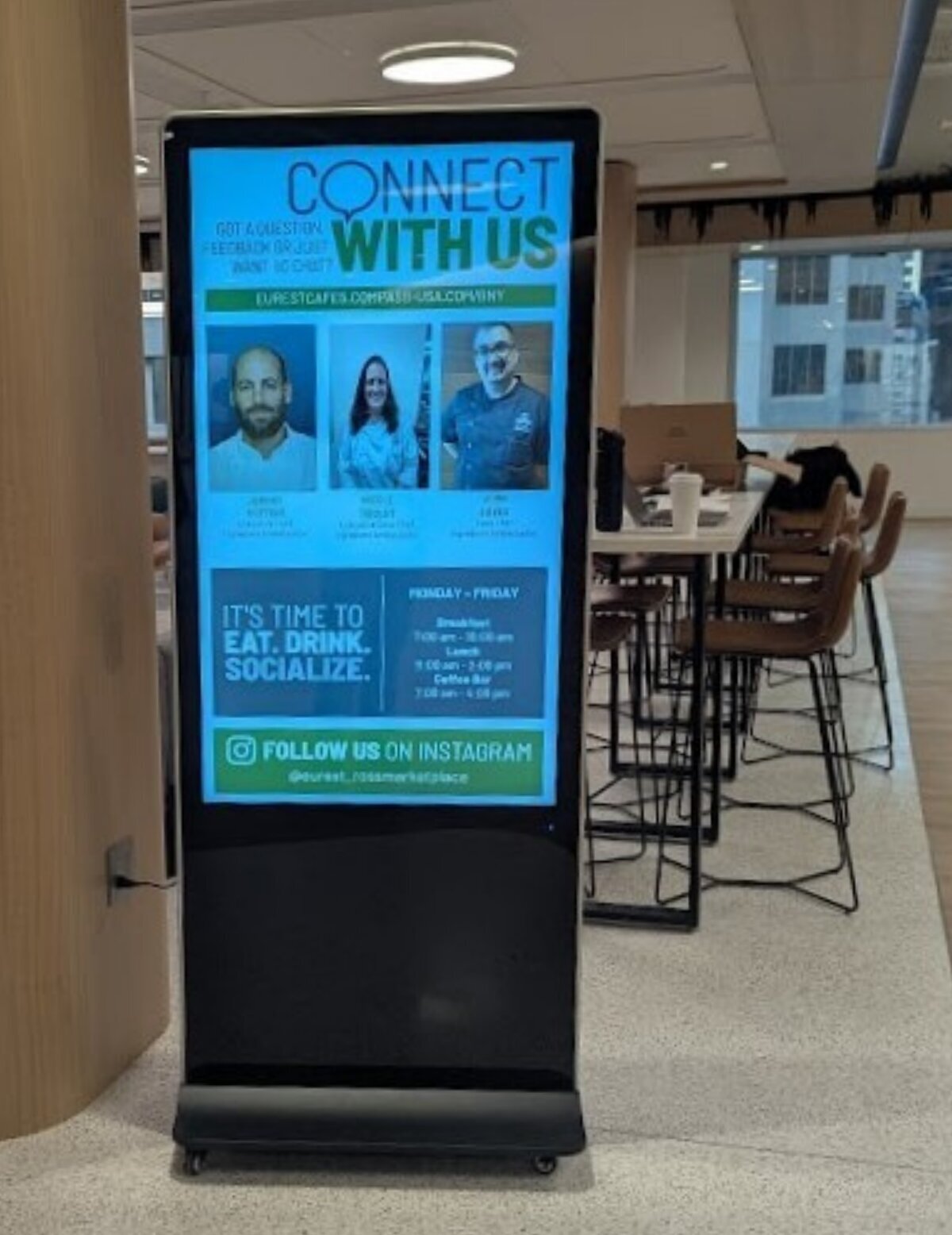
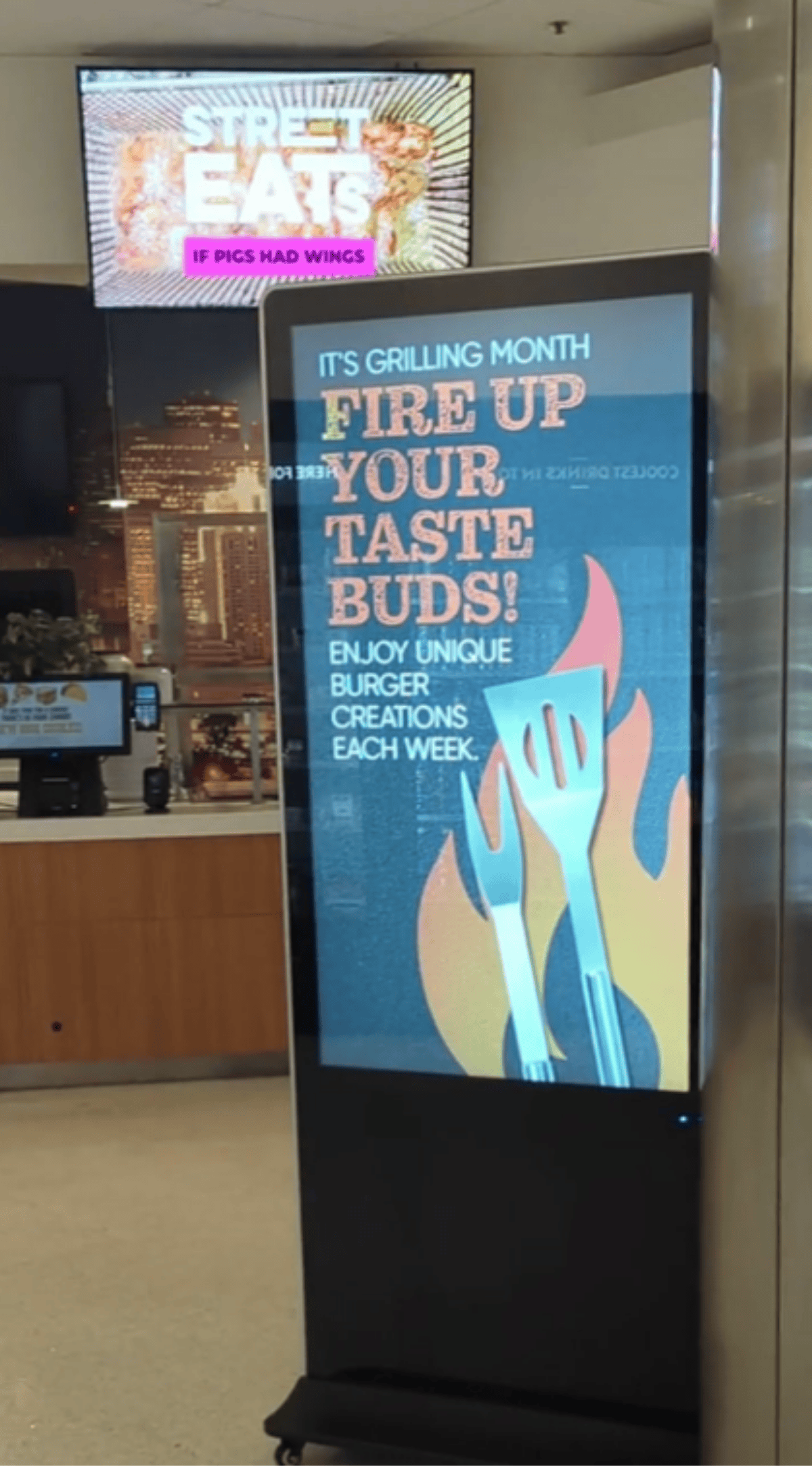
| The WAND Digital 55" Digital Poster Kiosk is a commercial-grade, all-in-one signage solution designed to bridge the gap between static traditional posters and dynamic, high-impact digital messaging. |
| Engineered specifically for high-traffic environments—such as QSR lobbies, campus dining halls, and retail endcaps—this kiosk serves as a versatile, standalone marketing powerhouse. |
|
|
|
|
|
|
|
|
Why you should consider Touchscreen Kiosks
|
|
|
|
|
|
|
|
Durable & Sleek Industrial Design
|
|
|
|
|
| Ultra-Slim Profile: At a few inches deep, the kiosk offers a sleek footprint. |
| Heavy-Duty Steel Chassis: Built with a professional-grade metal enclosure. |
| Stability & Portability: Features a weighted, stable base for safety and easy movement. |
|
|
|
|
|
|
|
High-Impact Visual Performance
|
|
|
|
|
| Commercial-Grade Brightness: Features a brilliant, high-contrast 1080p display designed to capture customer attention from across the room. Optimized for indoor environments with high ambient light. |
| Tempered Protective Glass: Durable edge-to-edge tempered glass front. |
|
|
|
|
|
|
|
Interactive Touch Capabilities
|
|
|
|
|
| Advanced Multi-Touch Technology: Allows users to interact with content naturally via taps, swipes, and pinches. |
| Interactive Engagement: Transform passive viewers into active participants. Use touchscreen capabilities to allow guests to browse full menus, explore nutritional data, or filter items by allergens. |
|
|
|
|
|
|
55" Touchscreen Kiosk Specifications
|
|
|
|
|
Digital Advertising on the Go
|
| Touch technology: Instantly switch between a managed web session and Digital Display mode to unlock even more with your advertising and create an interactive messaging display. |
| Support Screen Management: Enables our team to change settings; no remote needed! |
| Slim and Sleek Design: Removable rollers to have your stand fixed or mobile! |
| Portable Interactivity: Add in a traveling case and relocate to your most engaging areas! |
|
|
|
|
|
|
Determine how the kiosk best fits your space.
|
| Here are four steps to consider when setting up your kiosk signage: |
| • |
Identify the nearest power outlet. |
|
| • |
Determine if there are any trip hazards. |
|
| • |
Notify your project manager of the proper length of power cord needed. |
|
| • |
It is highly recommended to have a Wi-Fi data connection. |
|
|
|
|
|
| 55" |
31.18" |
74.8" |
4.13" Top
19" Base |
160 lbs |
500 nits |
110 w |
240 w |
N/A |
T/R/L: 9.9 mm
B: 14.4 mm |
| Size |
Width |
Height |
Depth |
Weight |
Brightness |
Typical Power |
Max Power |
VESA |
Bezel |
|