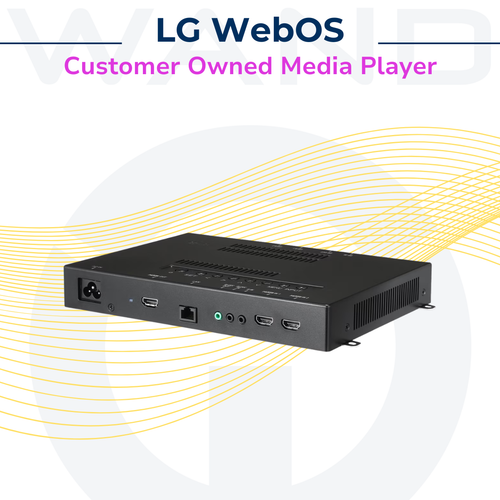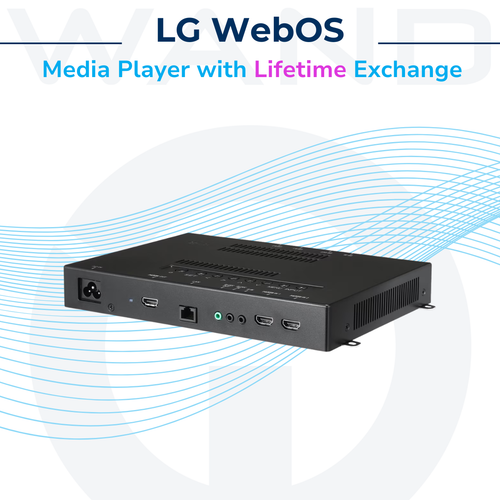


Certain commercial-grade LG displays feature an integrated System-on-Chip (SoC) that is "Partner Enabled." These devices can host the WAND Digital Signage application natively, allowing for Immediate Implementation without the need for external BYOD media players or additional cabling.
How to Verify Compatibility
To determine if an existing LG screen is compatible with native WAND integration, perform the following "EZ Settings" check:
-
Access Settings: Press the Menu (or Gear icon) button on the LG remote.
-
Navigate to EZ Settings: Select the EZ Settings option from the main menu.
-
Check SI Server Settings: Look for the SI Server Setting feature.
-
If Visible: The screen is SI Partner Enabled and ready for WAND software deployment.
-
If Missing: The screen is likely a consumer-grade model or an older commercial version that requires an external WAND media player.
-
Technical Requirements for Native Support
-
Operating System: Must be running webOS Signage 4.0 or higher (Note: Consumer webOS found on home TVs is not compatible).
-
Network: Requires a stable internet connection (Wired LAN preferred for 24/7 reliability).
-
Power: Designed for 16/7 or 24/7 commercial duty cycles.
? Pro-Tip for your Audit
When you find these screens, look at the webOS version (usually found under General > System Information).
-
webOS 4.0+: Ideal for high-performance video.